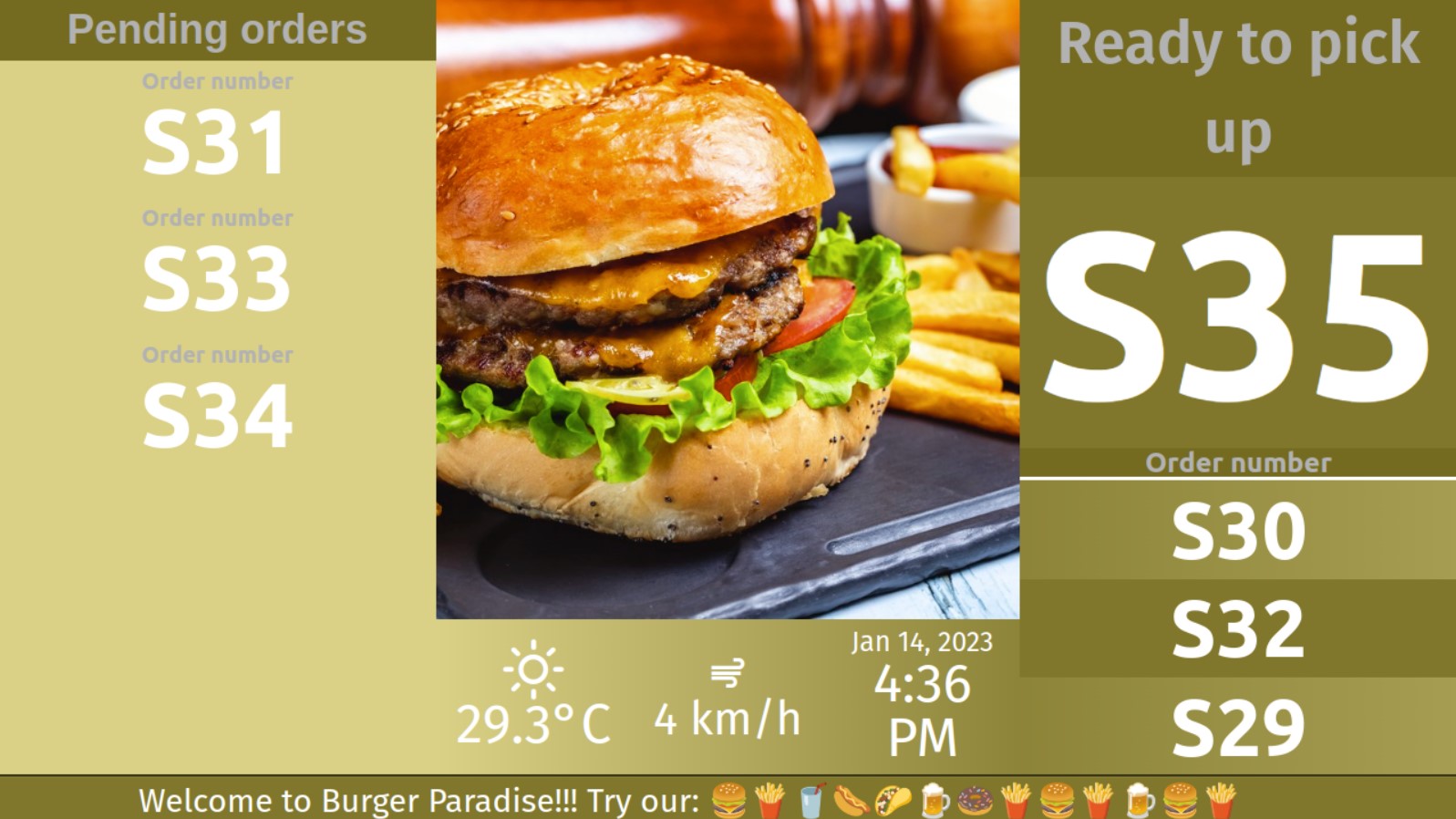
Follow these steps to launch de ezTurns display in Chrome or Firefox in multiple platforms:
- Launch the web browser
- In Windows: Click on the Start menu and open Google Chrome or Mozilla Firefox.
-
- In Mac: Open Google Chrome or Mozilla Firefox from the Applications folder or from the Dock.
-
- In Linux: Open your web browser, either Google Chrome or Mozilla Firefox.
-
- In Android: Open the Google Chrome app or Mozilla Firefox app on your Android device.
-
- In iOS: Open the Safari app on your iOS device.
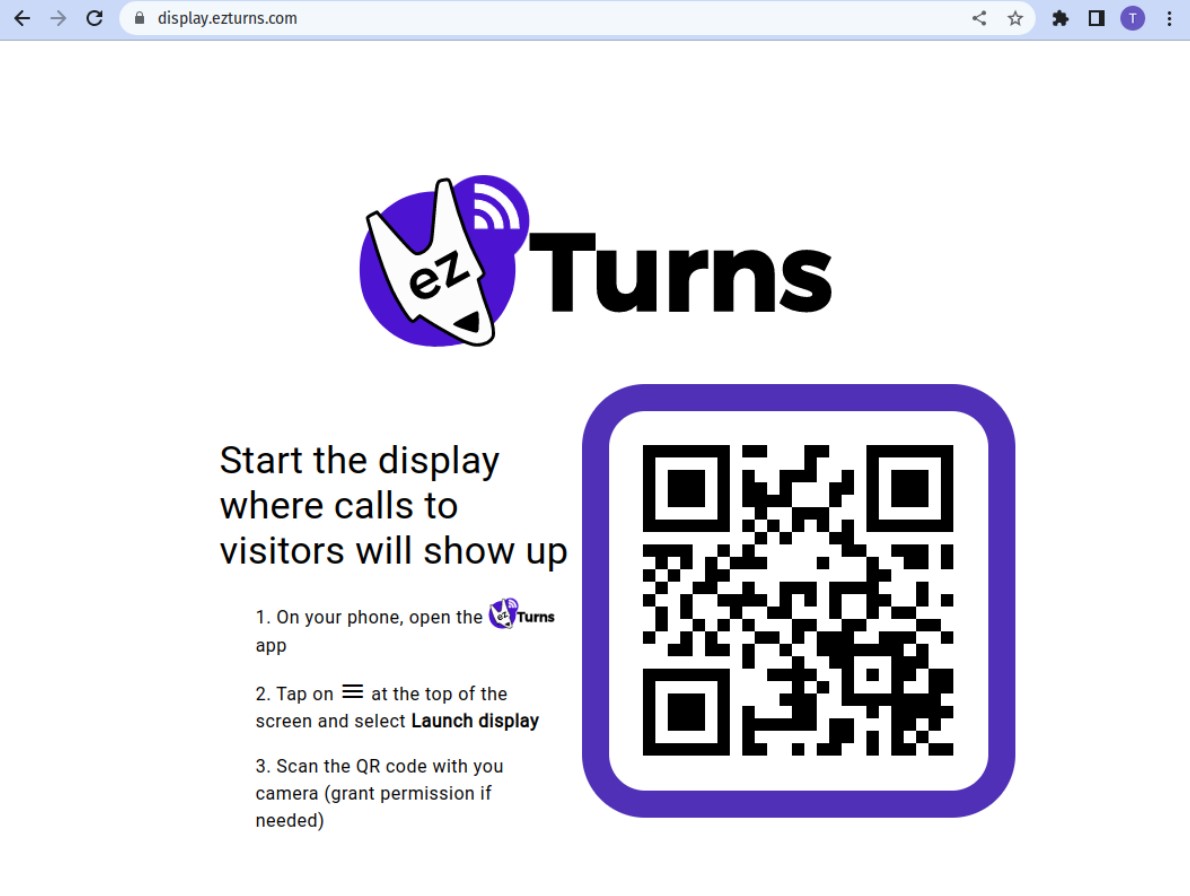
- In the address bar at the top, type in https://display.ezturns.com and hit enter.
This will show up in your web browser:
- Now it’s time to grab your phone and access the ezTurns main menu:
- Select the “Launch display” item
- Tap on the “Open in browser” button
- Find the QR code at the browser’s window and scan it
… and now your display is ready for your visitors!